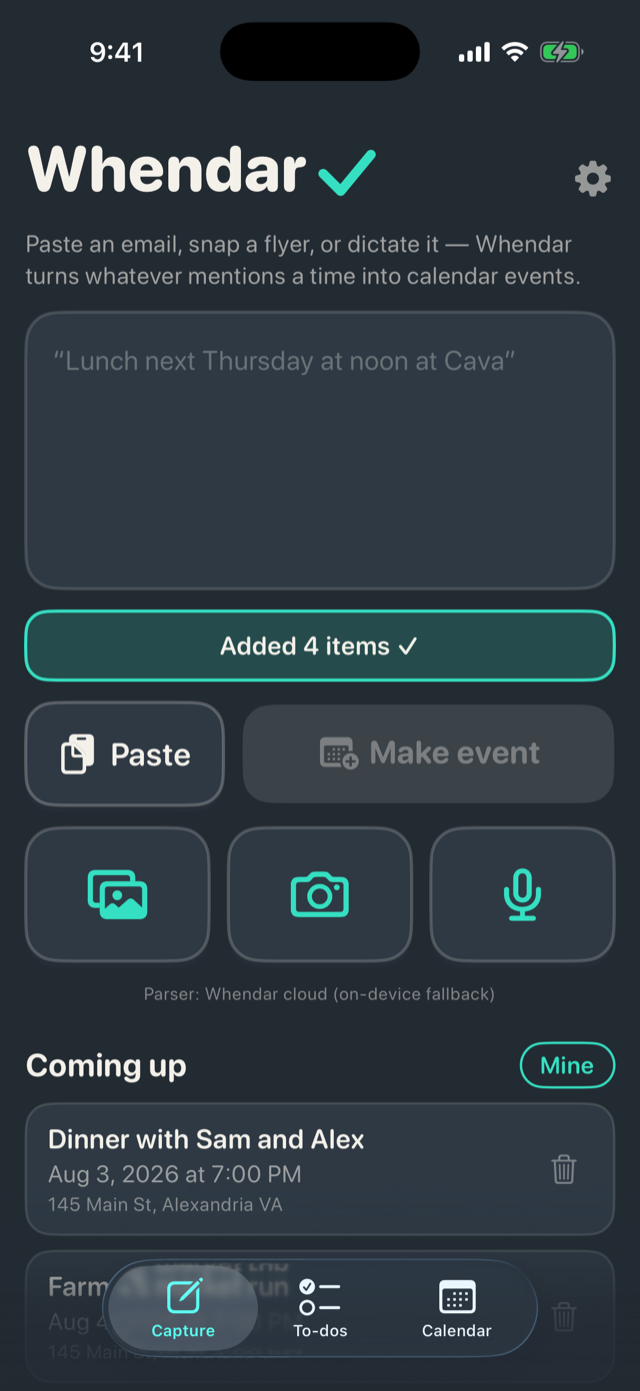
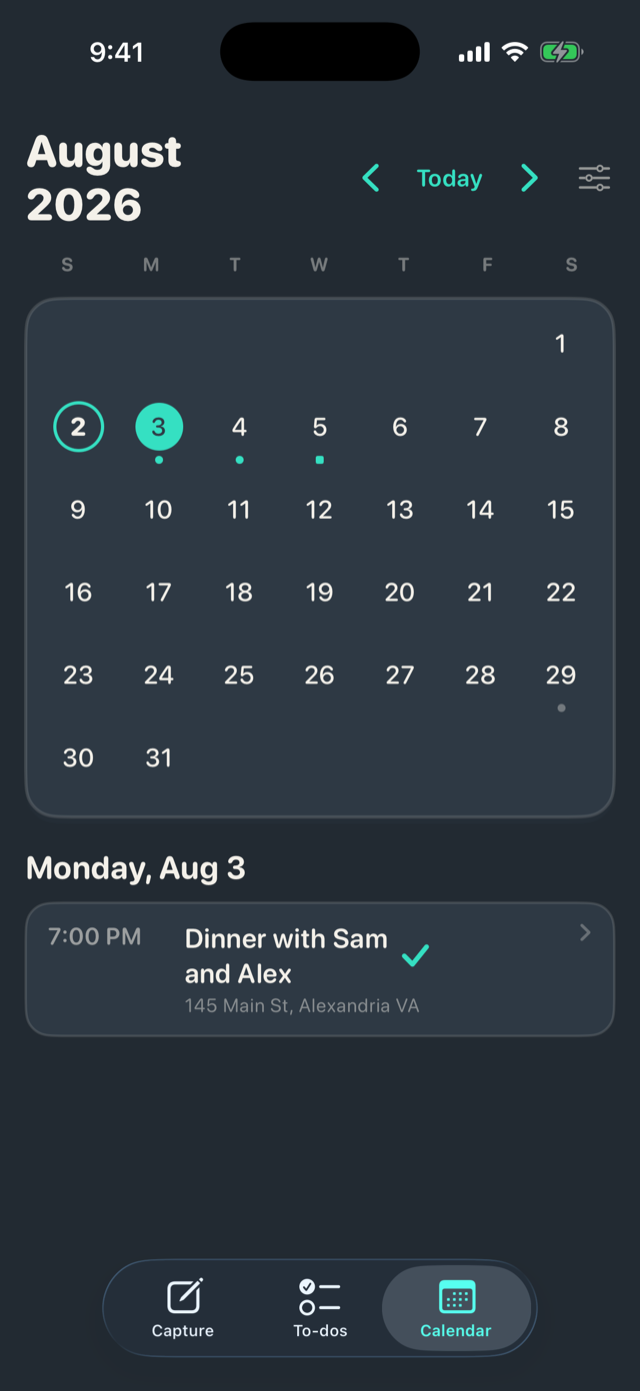
Somebody has to remember the practice schedule, the field-trip form, the dentist, the flight. It doesn't have to be you. Paste it, snap it, say it, or forward it — Whendar finds every event and to-do, you approve once, and it's on your real calendars.
Whendar is invite-only while we get it right. The waitlist is how invites happen — no spam, no sharing, just a note when a spot opens.
Capture anything
A text thread, a school newsletter, the whole email — dates and all.
Photograph a flyer or a season schedule; every event on it becomes a checklist.
Dictate on the way out the door. On-device speech, straight into the parser.
Send any email to add@whendar.com and it's waiting in the app.
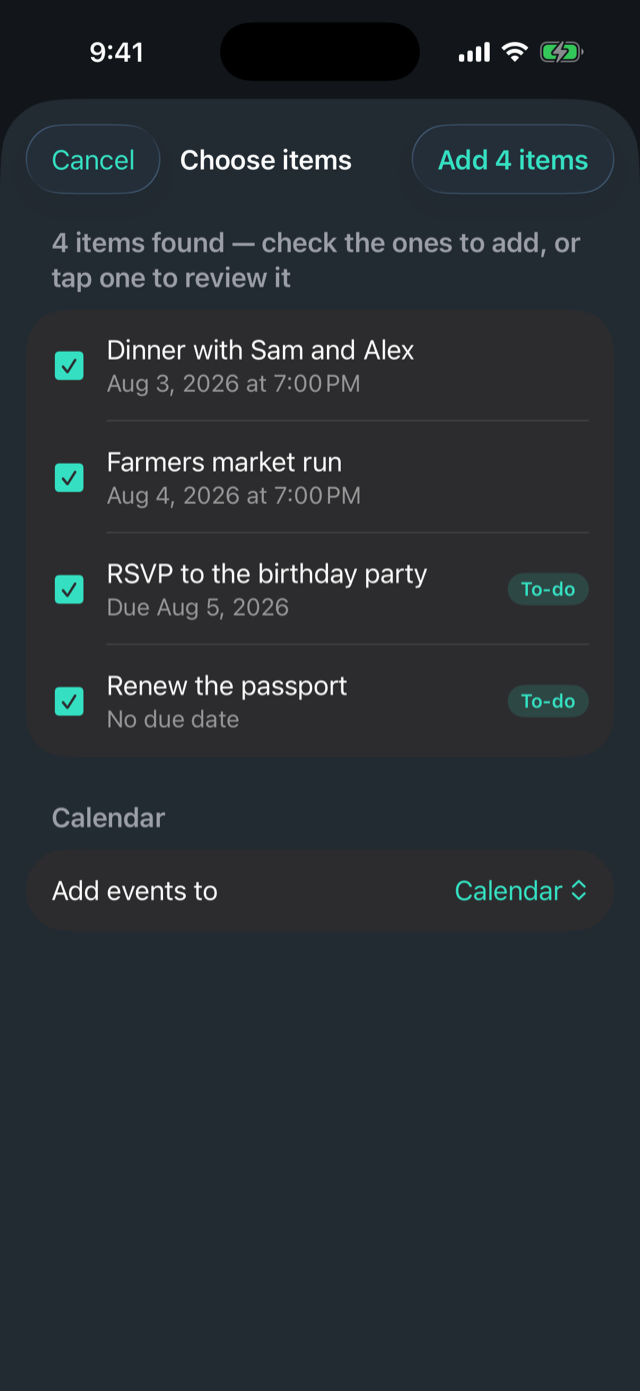
One confirm screen
Whendar shows you what it understood — titles, times, places, and whether each item is an event or a to-do. Anything it wasn't sure about gets flagged. You fix with a tap, confirm once, and re-sharing the same thing never makes duplicates.


How it works
Anything with a when in it: texts, emails, flyers, newsletters, your own voice.
One screen shows what Whendar understood. Uncertain fields are flagged; you approve every item.
Events go to Apple Calendar and Google Calendar. To-dos become real Apple Reminders. Your data lives in your accounts — not ours.
Radars
A Radar is a space you share with a few people — your household, the book club, the carpool. Each Radar keeps its own events, to-dos, and members, can write to its own calendar and Reminders list, and toggles on or off whenever you need the noise gone. Yours alone is called Personal.
Forward any email and it becomes a to-do or a one-tap event by the time you open the app — assigned to whoever forwarded it, dated from when it arrived. Only addresses you've registered are accepted.
add@whendar.comPrivacy, briefly: your calendars stay the source of truth, in your own Apple and Google accounts. No ads, no data sales, no analytics brokers. What Whendar touches and why is spelled out plainly in the privacy policy.